


NANANINO
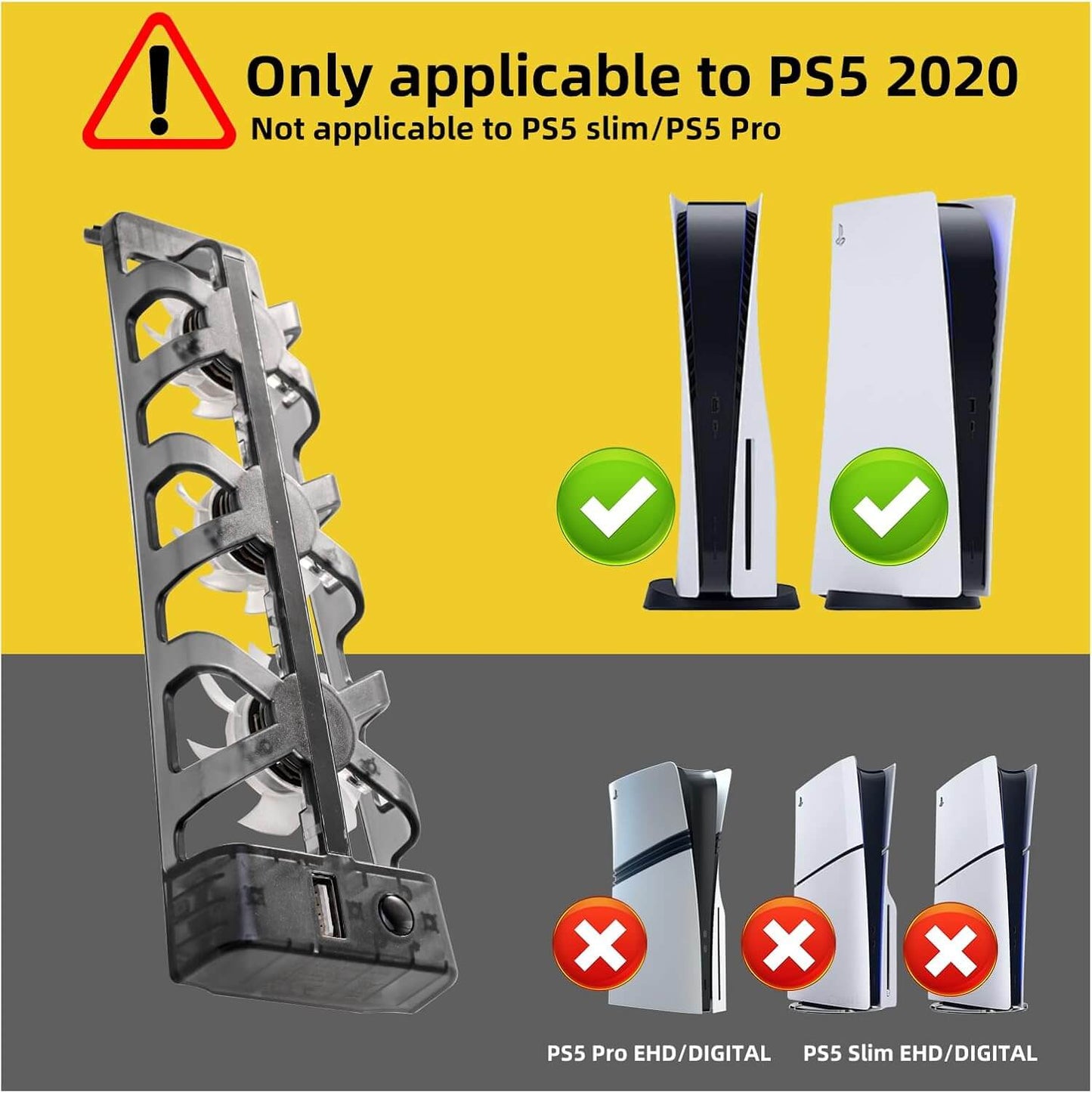
PS5 Cooling Fans, Playstation 5 Cooling Fan for PS5 Disc & Digital Console ONLY, NOT for PS5 Slim/PS5 Pro
PS5 Cooling Fans, Playstation 5 Cooling Fan for PS5 Disc & Digital Console ONLY, NOT for PS5 Slim/PS5 Pro
Couldn't load pickup availability
Share
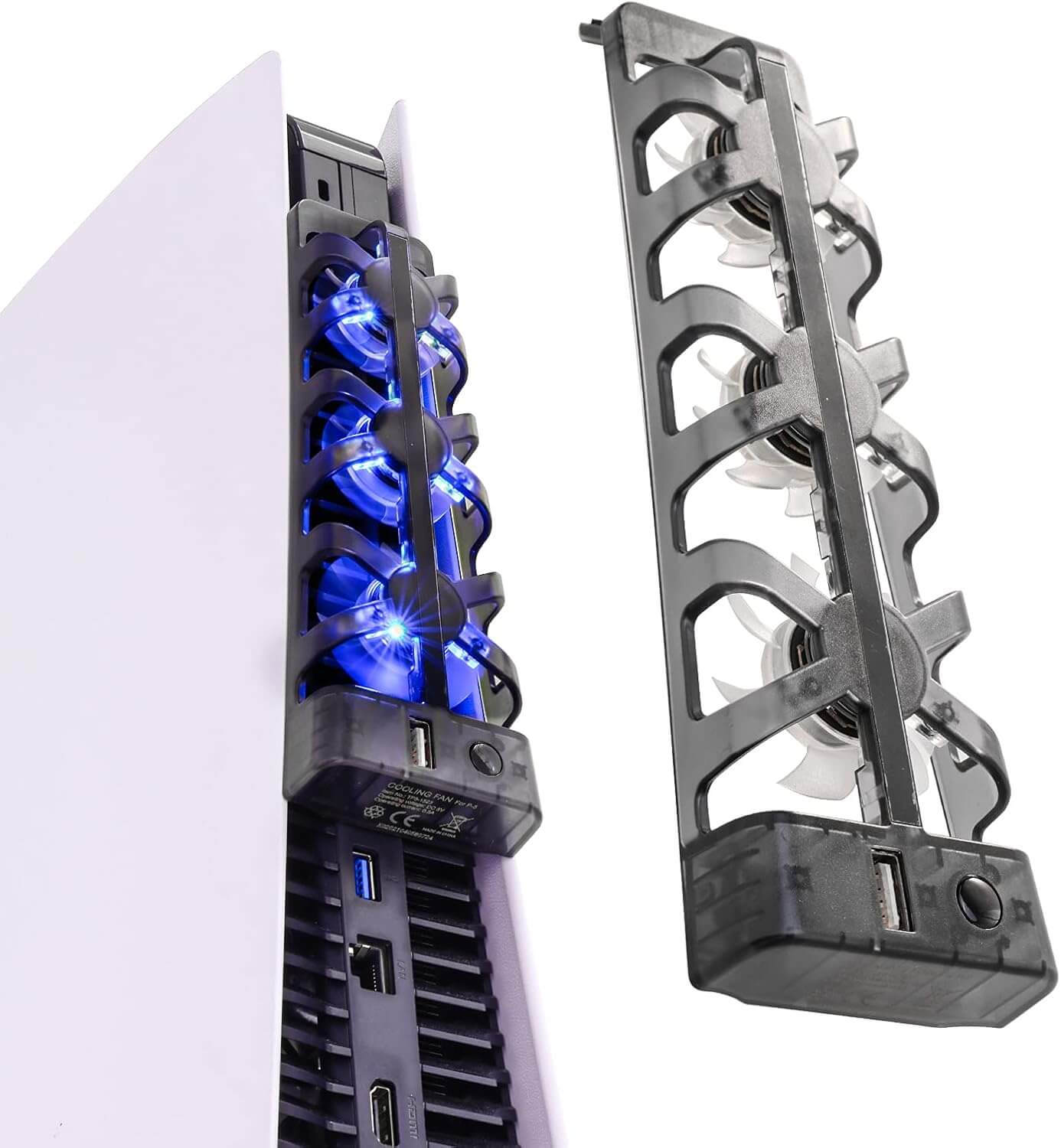
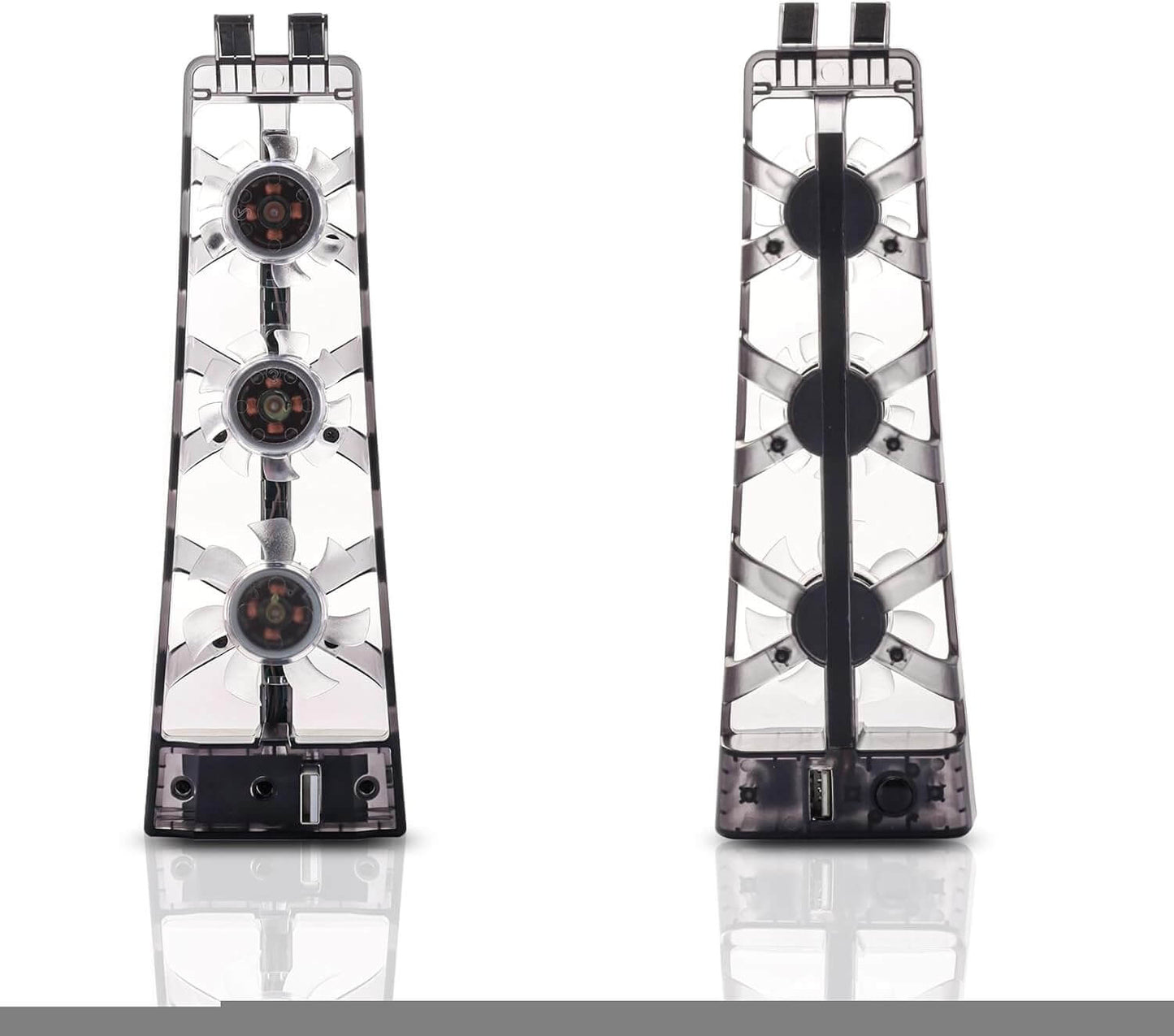
Here’s a review for the **PS5 Cooling Fans, PlayStation 5 Cooling Fan Compatible with PS5**:
---
**A Must-Have for PS5 Performance and Longevity**
I recently purchased the **PS5 Cooling Fans**, and I’m impressed by how well they work to keep my PlayStation 5 running cool during long gaming sessions. As we all know, the PS5 can heat up quite quickly when playing graphically intensive games, and these fans have done an excellent job of preventing overheating.
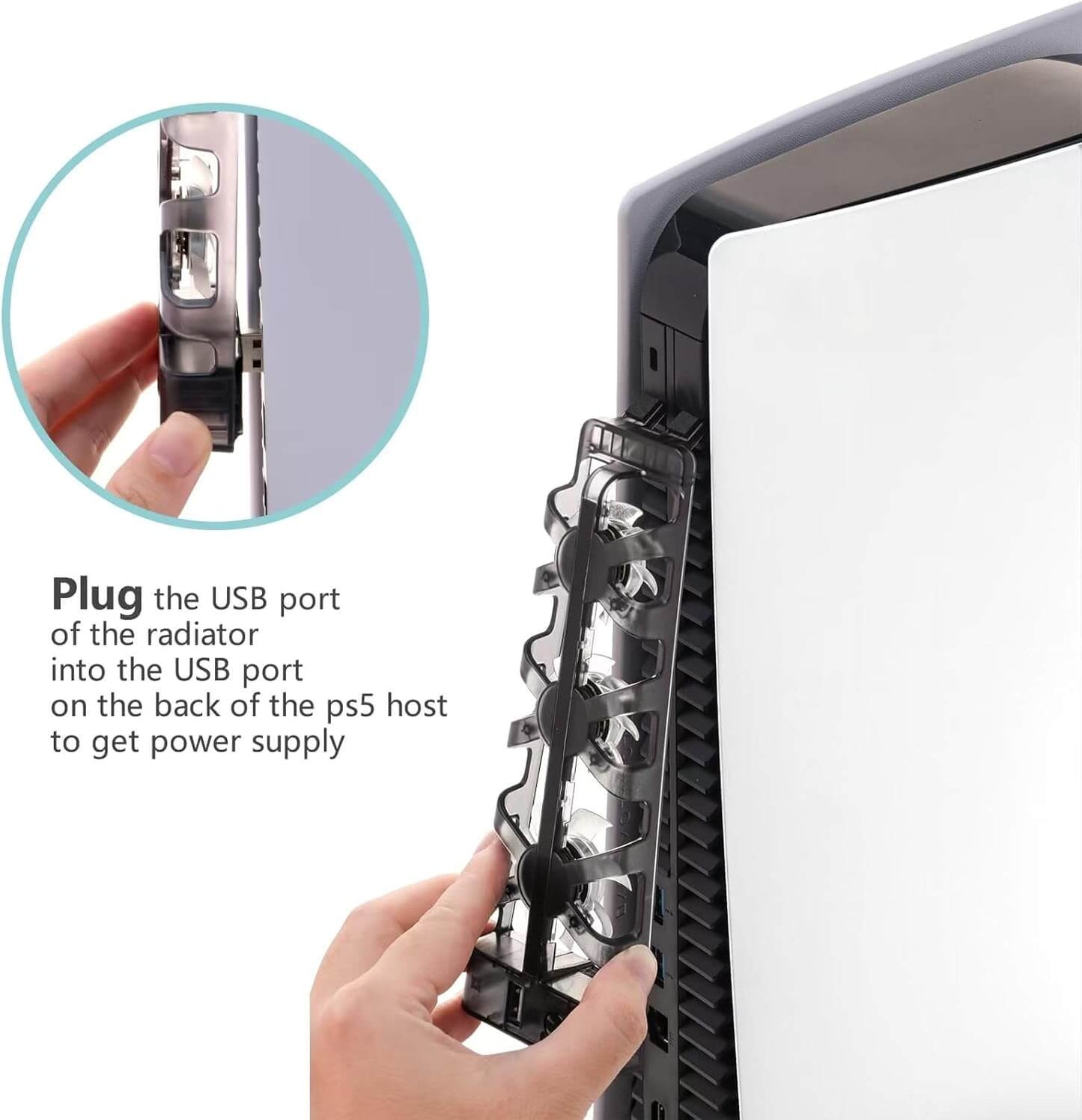
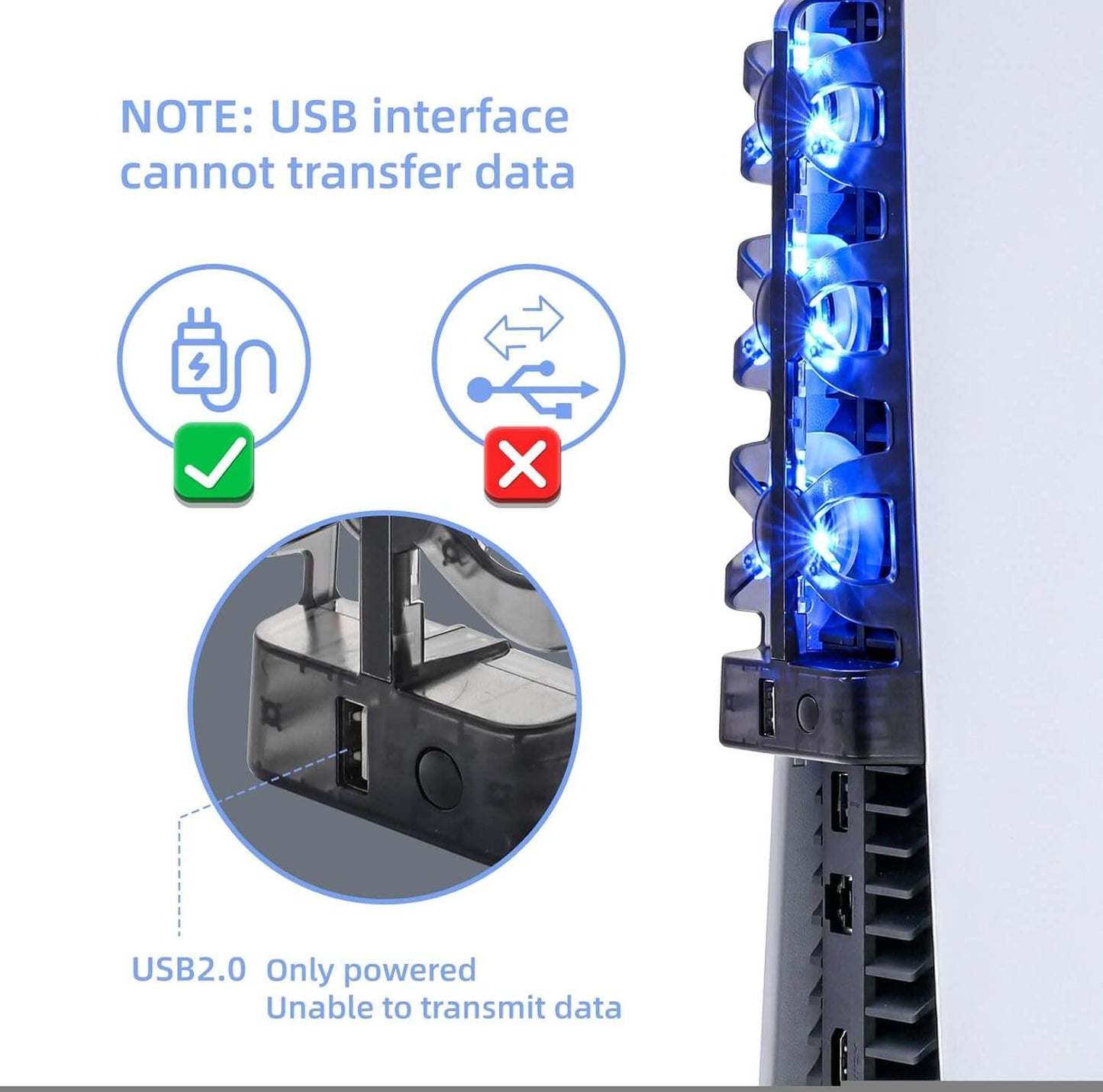
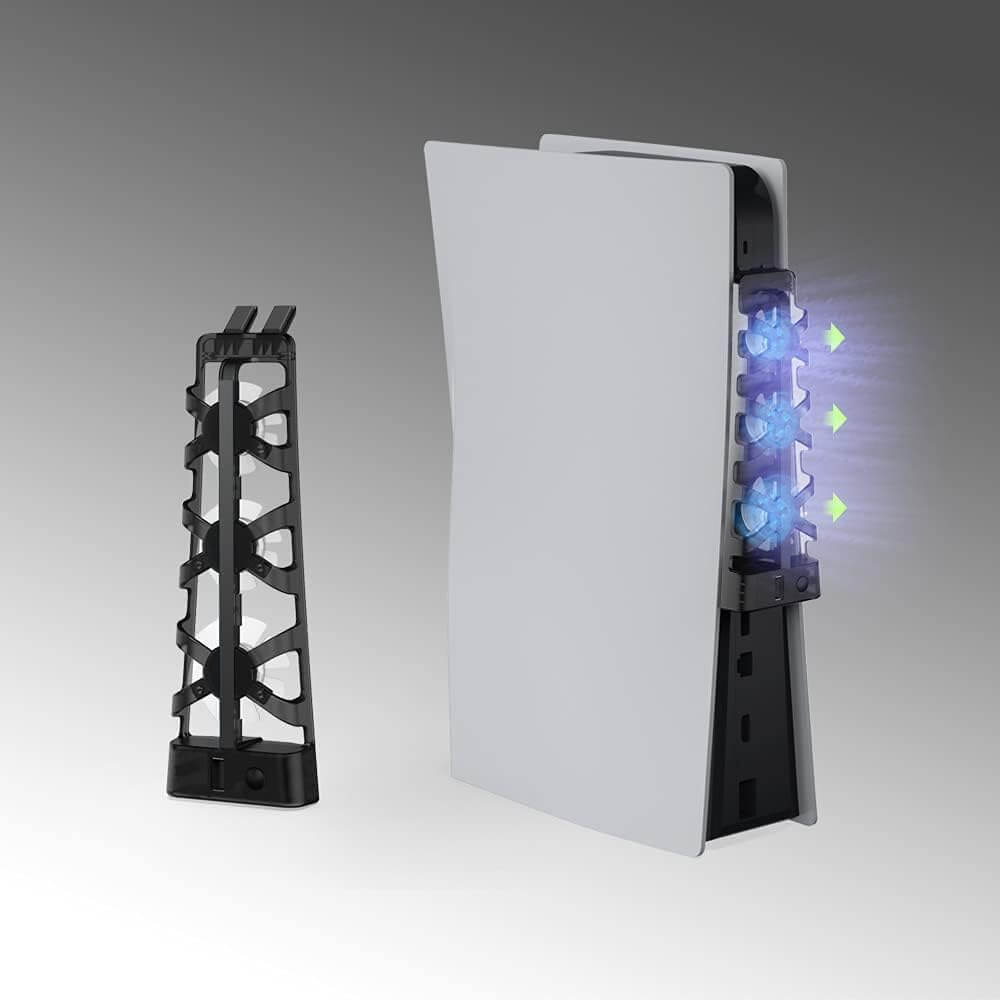
The installation was incredibly simple—just plug the fans into the USB port on the PS5, and they’re ready to go. The fan design is sleek and blends perfectly with the PS5’s aesthetics, so it doesn’t stick out or look bulky. It’s discreet but effective.
What I love most is the adjustable fan speed. You can choose between low, medium, and high settings, allowing you to customize the cooling based on how much heat your PS5 is generating. During heavy gaming sessions, I usually keep the fans on high, and the temperature of my console stays noticeably lower than when I don't use them.
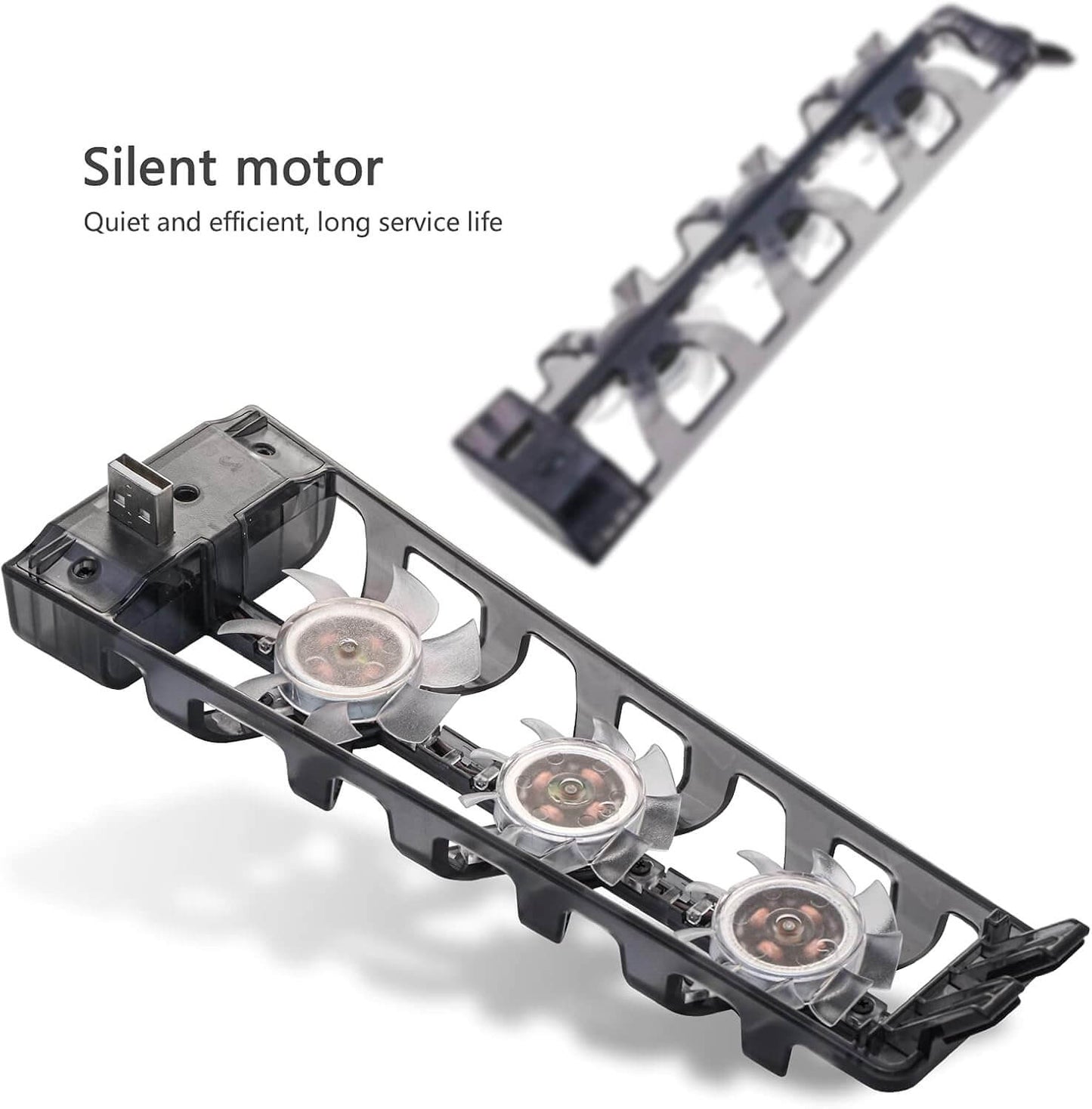
The noise level is another bonus. The fans are surprisingly quiet even on the highest setting, so they don’t interfere with my gaming experience or streaming audio. I can barely hear them running, which is a relief since some cooling fans can be loud and distracting.
After using them for several weeks, I can definitely say these cooling fans have helped keep my PS5 more stable and prevented any overheat warnings. It's an affordable and effective way to extend the life of your console, especially if you game for long hours.
Overall, I highly recommend the **PS5 Cooling Fans**. They’re easy to use, quiet, and do a great job of keeping your PlayStation 5 cool, so you can enjoy uninterrupted gaming sessions without worrying about overheating.
The NANANINO PS5 Cooling Fan works great — it keeps my console cool even during long gaming sessions. It’s quiet, easy to attach, and looks sleek with the system. Everything has been perfect so far. Highly recommended!
I gave it a few weeks before I posted anything ,,, but my ps5 would constantly overheat, and get so hot the screen would just go black until I wiggled the hdmi cord or let it cool down. I went to ibreakufix and they said they could replace the HDMI port for 200 bucks… I was like will I might as well just upgrade to a pro? If has this ps5 since day 1! So i left ubreakifix and came home and decided to try one of these fans I had seen on Amazon. I ordered it Thursday and it was here lunch on Friday.. I simply plugged it in the back and it doesn’t move the hdmi cord which was perfect , and kicked on and was SILENT! I booted up and since ordering , my ps5 has not overheated or has my hdmi port acted up.. this just saved me from buying another system.. extended my consoles lifespan by years! 10/10 !! Mine doesn’t show speeds tho like some have posted? Just one button , on and off
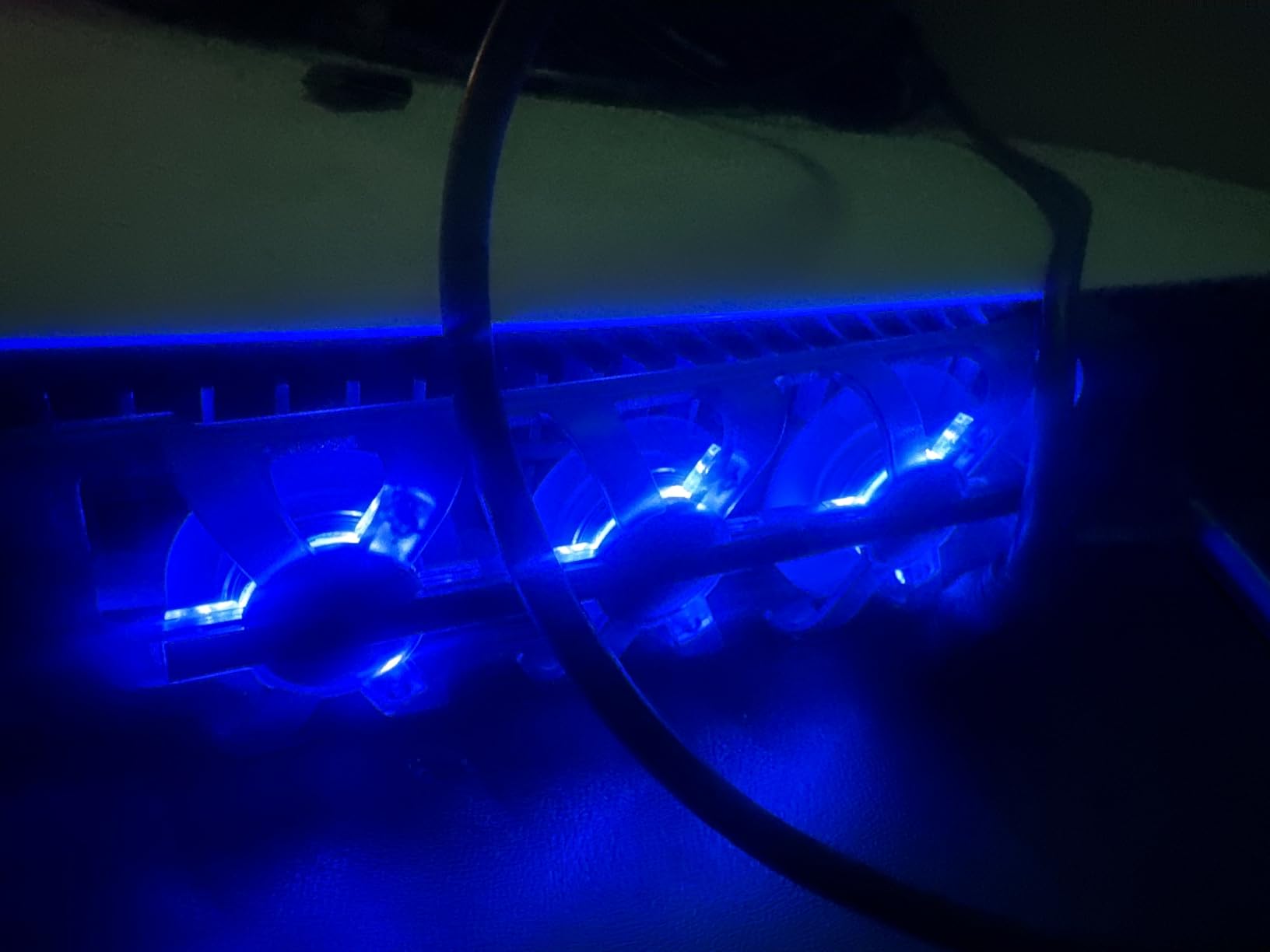
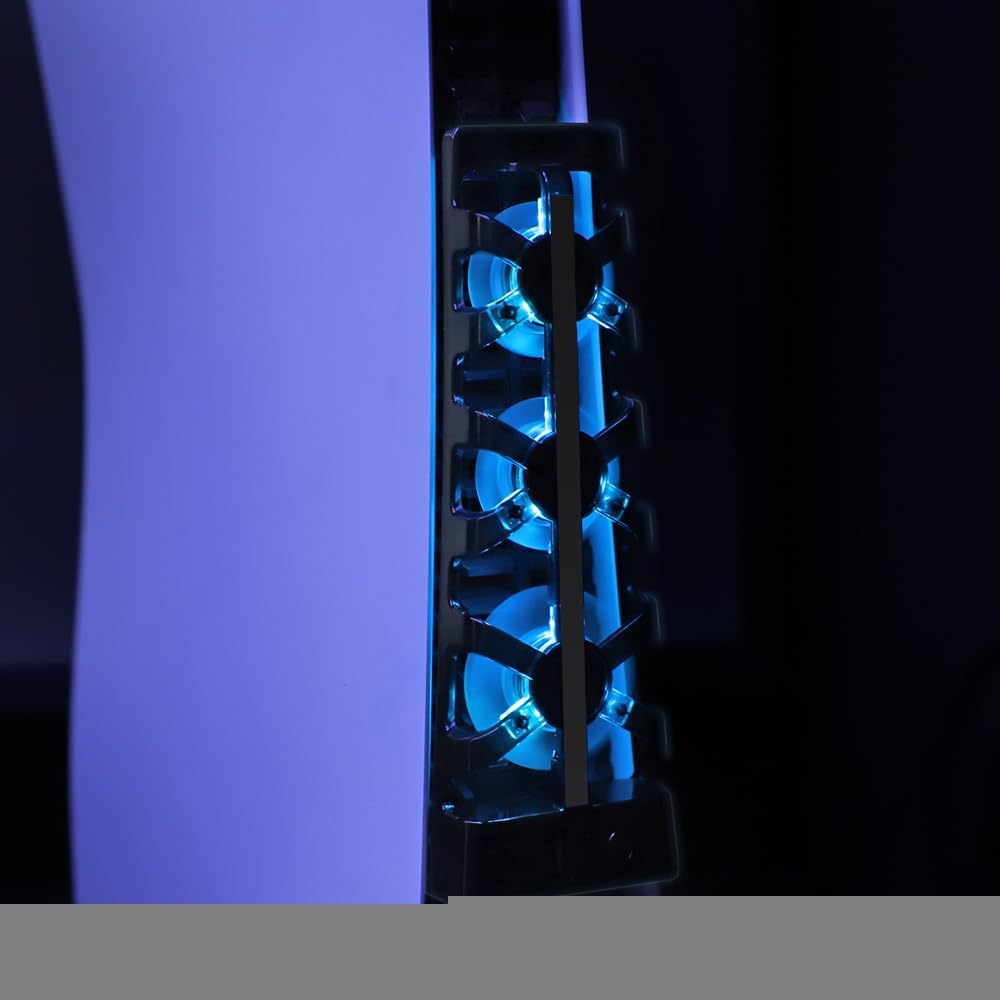
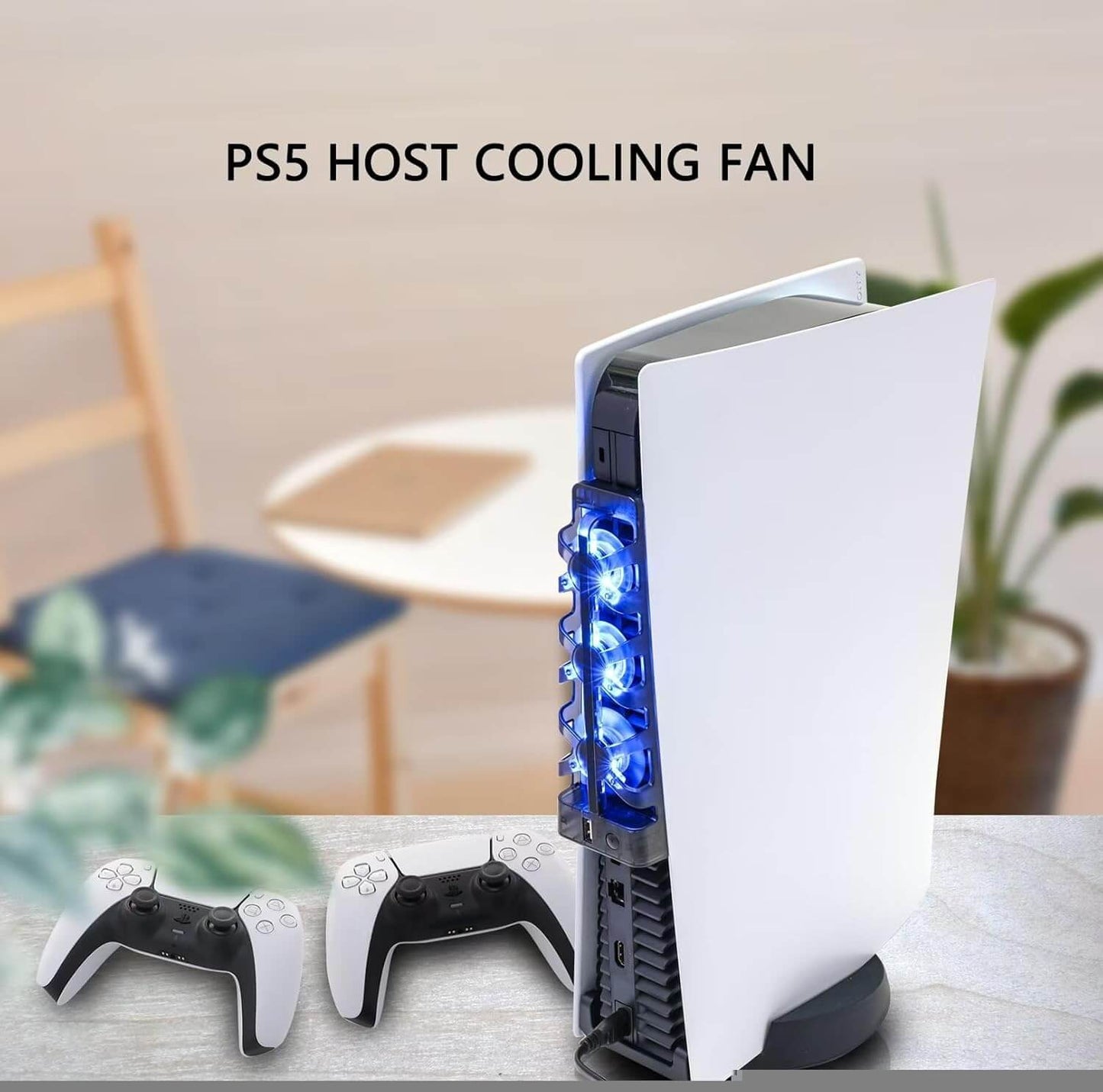
What a perfect gadget to keep my PS cool during gameplay. The console gets quite hot and this alleviates this issue plus it looks cool lit up.
Had another off brand fan, terrible from day one, Ive this for a month and it works beautifully, super quiet, great value, very happy with this one 😁